
AI video clipper for creators
Create viral shorts from long videos in seconds
Upload a podcast, interview or stream. Clipiro finds the best moments and gives you captioned vertical clips, ready for every platform.
- Score99Instagram, 9:16, score 99
- Score96LinkedIn, 1:1, score 96
- Score98TikTok, 9:16, score 98
- Score94Facebook, 9:16, score 94
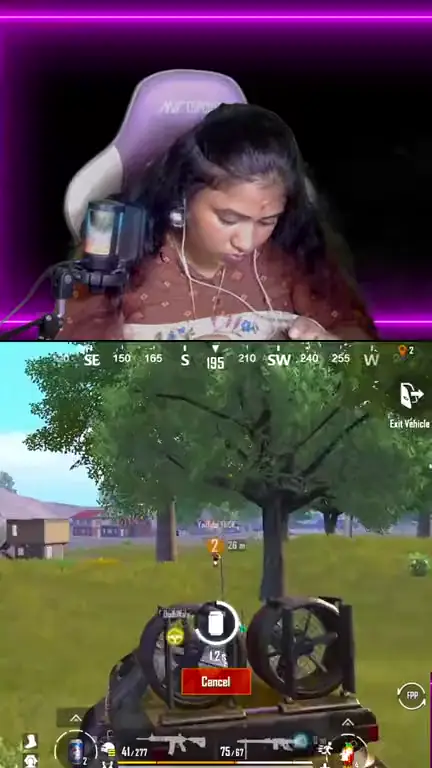



One long video in, a stack of ready-to-post shorts out. See how it works
9:16
Vertical auto-reframe
200+
AI voices
3
Platforms supported
Free
Plan, no card needed
Export for
- YouTube Shorts
- Instagram Reels
- 9:16
- 1:1
- 16:9

I tried autoclip for my long video and it gave me eight ready to post awesome clips for my instagram and facebook. Thanks Clipiro
 Yashika
I generate caption from clipiro’s caption studio and got just surprised.
I had a really good experience with Clipiro. com.
One tool, the whole short-form workflow
From raw footage to scroll-stopping clips — Clipiro handles clipping, captions, formatting, and export.
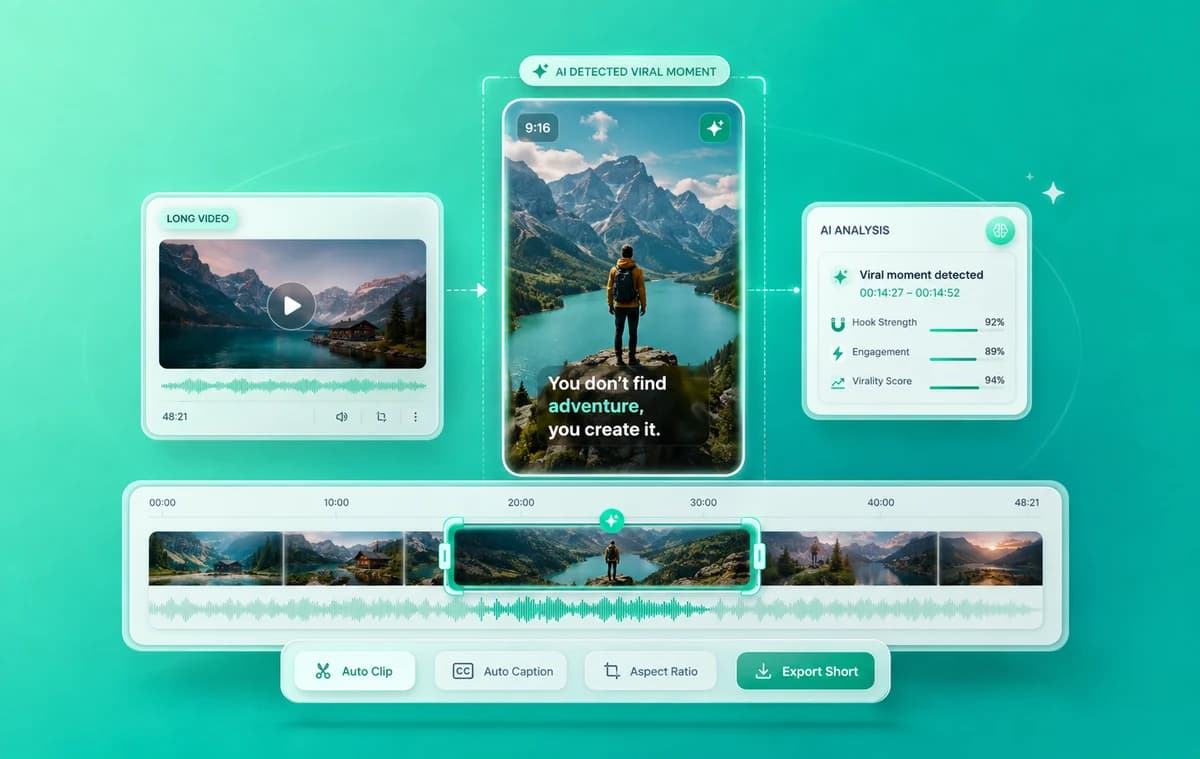
AI Clipping & Shorts
Turn podcasts, streams, and long uploads into ready-to-post vertical clips — AI finds the hooks, cuts the moments, and burns in captions.
- Viral-moment detection
- Karaoke-style auto captions
- 9:16, 1:1 & 16:9 exports
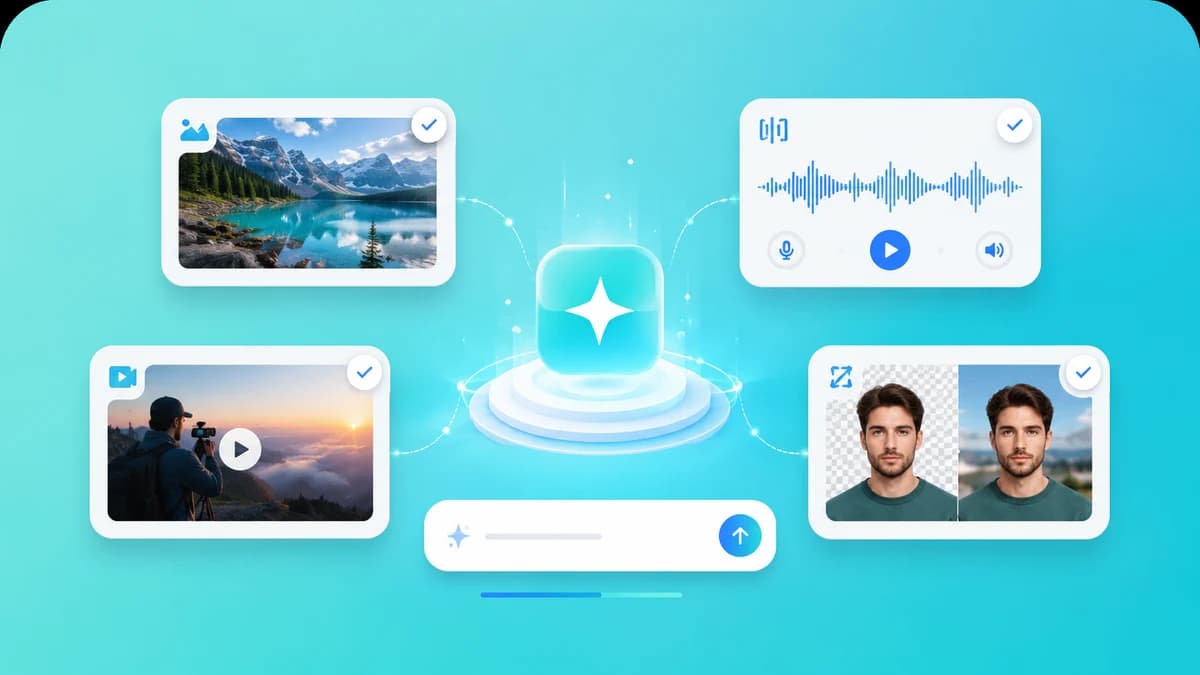
AI Creation Tools
Generate what you're missing: AI images, lifelike voiceovers, face swaps, background removal, and more — all in one place.
- 200+ AI voices
- AI image generation
- Image, audio & video enhancers
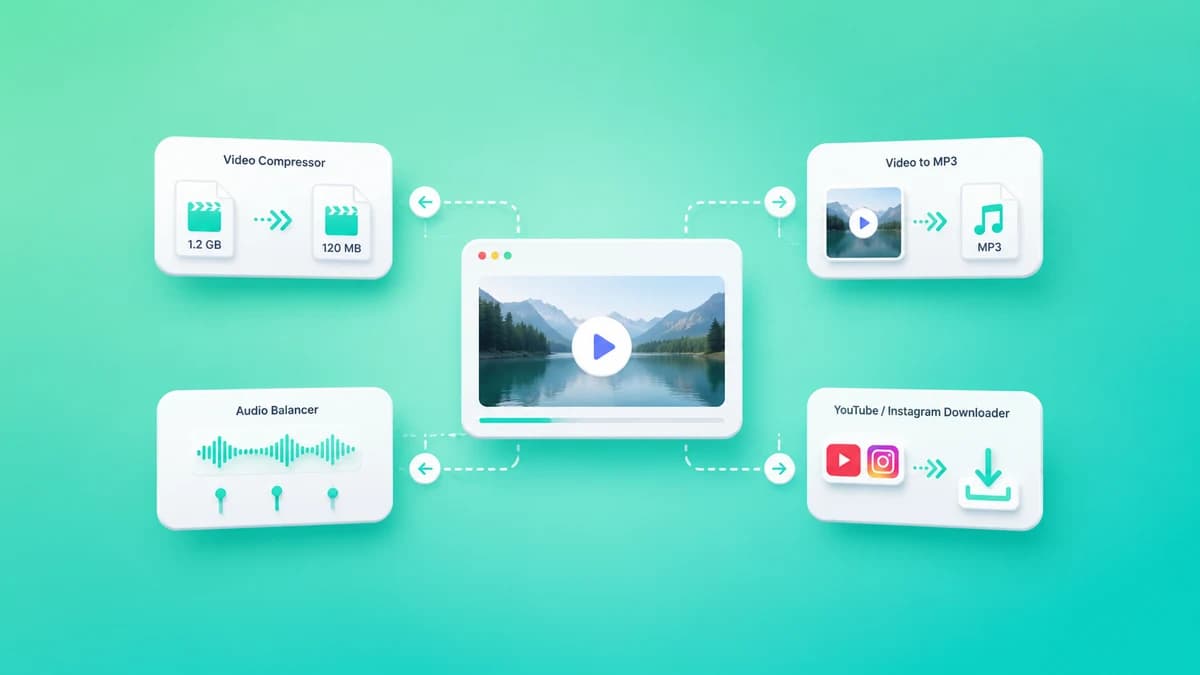
Free Utilities
Everyday video chores, free and instant: compress videos, convert to MP3, balance audio, and download from YouTube or Instagram.
- No credits required
- No watermarks
- Works right in your browser
From long video to viral short in 4 steps
No editing skills required. Go from upload to published in minutes.
Upload your video
Drop in a YouTube link, podcast, webinar, or any long-form video.
AI finds viral moments
Clipiro scans for the most engaging, high-retention segments.
Customize captions
Fine-tune animated captions, hooks, framing, and brand styles.
Export & publish
Download platform-ready shorts and post them everywhere.
“I built Clipiro because creators spend hours editing what AI can do in minutes. Our mission is simple: give every creator a studio-grade editor that turns one long video into a week of viral content — so you can focus on ideas, not timelines.”
Divyansh Verma
Founder & CEO, Clipiro
Frequently asked questions
Everything you need to know about clipping with Clipiro.
Clipiro is an AI-powered video tool that turns long videos — podcasts, interviews, webinars, and YouTube uploads — into viral short-form clips with automatic clipping, captions, and social formatting.
Our AI analyzes your video for hooks, punchlines, and high-retention moments, then trims them into ready-to-post shorts. You can review, tweak, and export — no manual scrubbing required.
Not at all. Clipiro is built for creators of every level. Upload a video, let the AI do the heavy lifting, and customize captions or framing with a few clicks.
Clips are optimized for YouTube Shorts, Instagram Reels, and Facebook — with 9:16, 1:1, and 16:9 presets so one project works everywhere.
Yes. Create a free account — no credit card — and the free tools are yours to use. Upgrade to a paid plan when you need more Clip Minutes, credits and premium features.
Captions are generated with word-level timing and are highly accurate across accents and languages. You can edit any word and restyle the look to match your brand.
Absolutely. Every AI suggestion is fully editable — adjust trims, captions, framing, hooks, and brand styles in the editor before exporting.
Yes. Voiceovers come in 59 languages, AI dubbing translates a clip's speech into 29, and captions can be translated into 34, including Hindi, Tamil, Telugu, Marathi, Bengali, Spanish, French, German and Portuguese.
You can work with common formats like MP4, MOV, and more, and export publish-ready clips in 1080p (or 4K on Pro and Agency) across multiple aspect ratios.
Yes. Save your fonts, caption colours and styles as brand kits and apply them to any clip, so everything you publish looks consistent.
Turn your next long video into shorts worth posting
Drop in a podcast, stream or interview and get ready-to-post clips with captions in minutes.